

Time-of-Use Rates for Non-Residential Customers
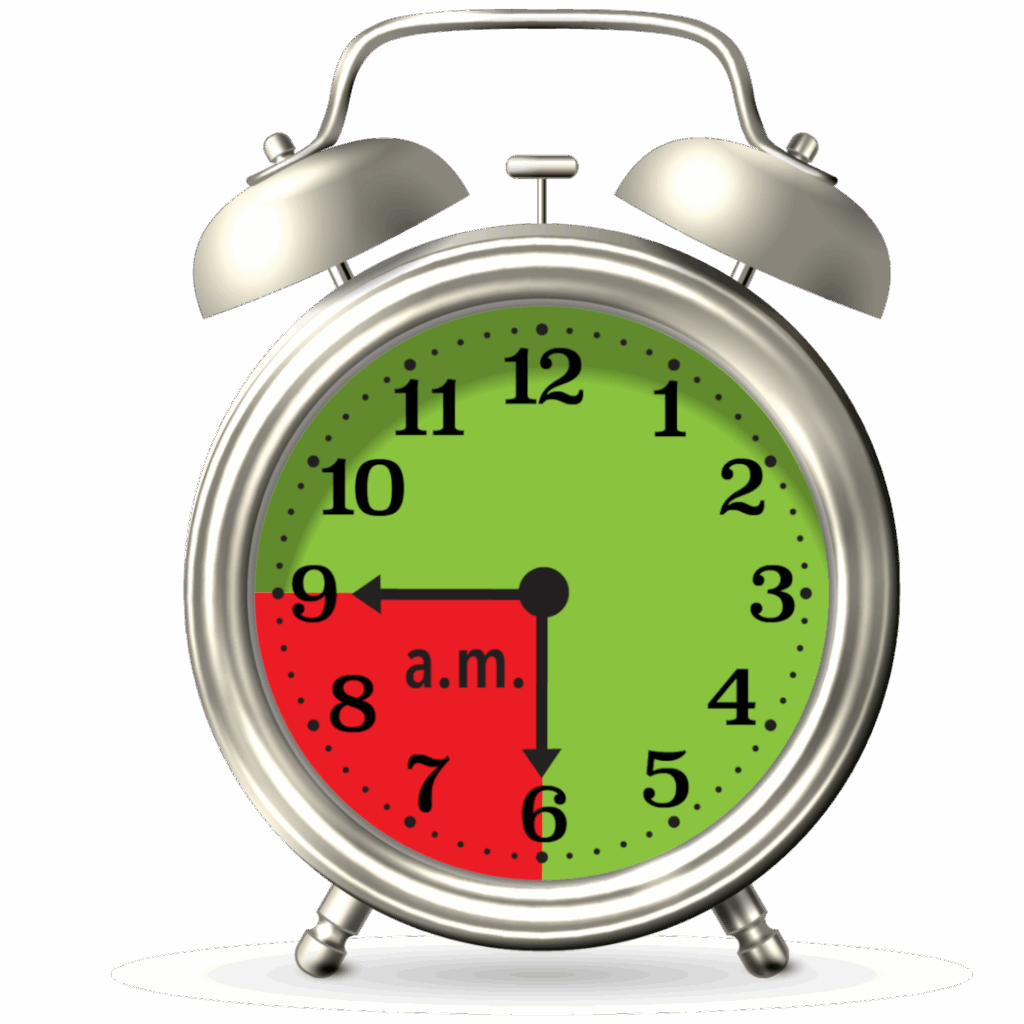
Winter Peak Hours
November – March
6:00 a.m. – 9:00 a.m.
7 days a week
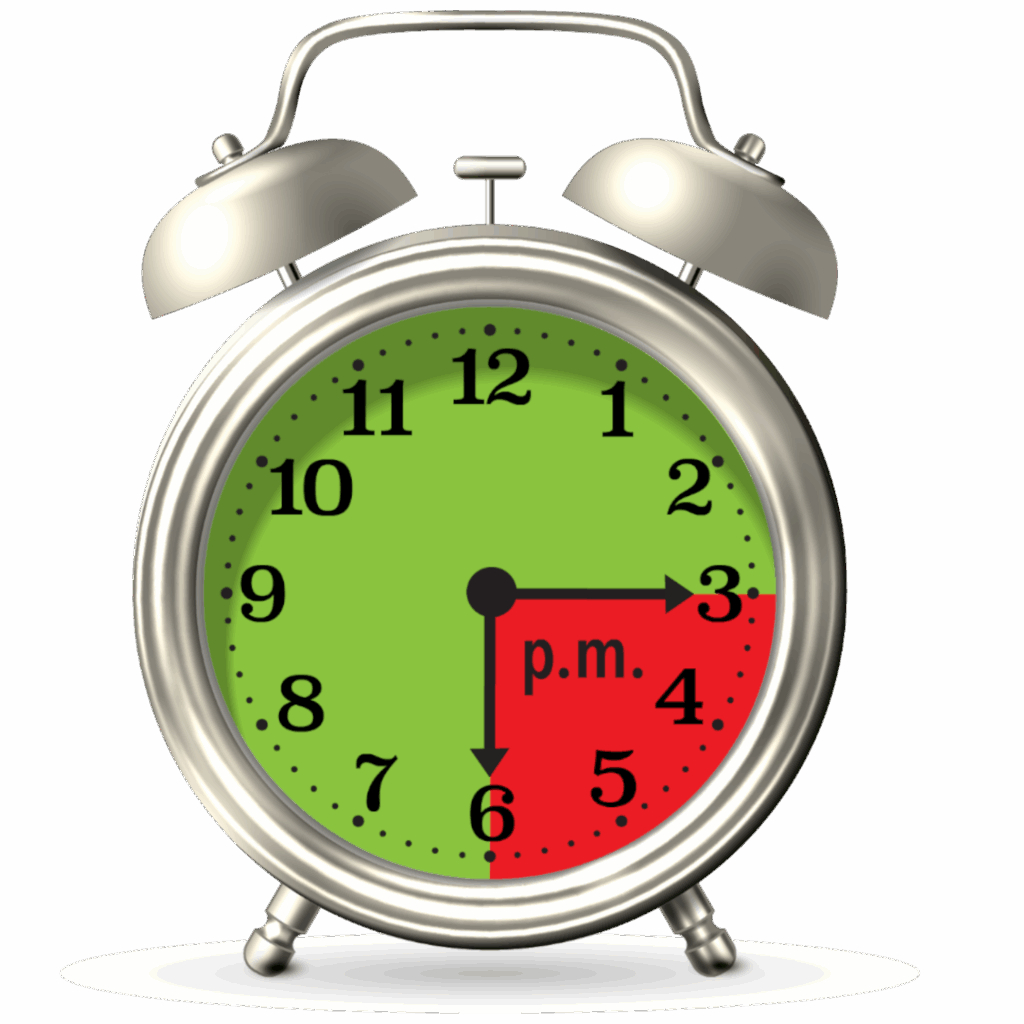
Summer Peak Hours
April – October
3:00 p.m. – 6:00 p.m.
7 days a week
PWC Time-of-Use electric rates more closely reflect how we purchase power. There are four groups of business customers who will be billed Time-of-Use rates. You can tell if you currently are on one of those rates – Small Power, Medium Power, Church Service or Sports Field Lighting – by reading the rate description of your electric billing details.
Time-of-Use Rates are billed with On and Off-Peak Rates. Rates during Off-Peak hours are over 30% lower than during peak times.
Starting on April 1, 2025, On-Peak hours are only three hours of everyday, including holidays and weekends. Because the demand for electricity changes depending on the seasons of the year, Peak hours vary by season. In the winter, the months of November through March, the On-Peak hours are 6:00 a.m. to 9:00 a.m. In the summer, the months of April through October, the On-Peak hours are 3:00 p.m. to 6:00 p.m.
Super Off Peak Rates Available
As of May 1, 2023, PWC offers an elective Whole Business rate that features a super Off-Peak rate daily from 9:00 p.m.-5:00 a.m. Customers who sign up for the rate, pay a higher basic facility charge and On-Peak rate and their super Off-Peak rate is significantly lower than off peak rates. The Whole Business rate is available to all Small Power customers and may be the most beneficial to business or multi-family units with managed Level 2 EV charging. Businesses who are billed at a Medium Power Rate, may find savings with the Whole Business Rate if you have public, workplace and or fleet managed EV charging. Call 910-483-1382 to speak with a PWC representative and request to participate in our Whole Business electric rate.
Customers can save money by changing when they use energy. You can login to your PWC account information to review your historical On and Off-Peak energy usage.
The largest use of electricity in your business is heating and cooling. A programmable thermostat, especially an Energy Star wireless thermostat that you can control remotely using your smart phone, will allow you to lower the temperature during the winter on-peak hours, we recommend 68° and raise the temperature during the summer on-peak hours, we recommend 78°. This capability gives you the opportunity to choose between comfort and electric cost. Small Power and Church Time-of-Use customers are eligible to participate in PWC’s ENERGY STAR Thermostat Incentive Program
Conservation Tips to Maximize Savings with Time-of-Use Rates
Year-round:
- The largest use of electricity in your business is heating and cooling. A programmable thermostat, especially an Energy Star wireless thermostat that you can control remotely using your smart phone, will allow you to lower the temperature during the winter on-peak hours, we recommend 68° and raise the temperature during the summer on-peak hours, we recommend 78°. This capability gives you the opportunity to choose between comfort and electric cost. Small Power and Church Time-of-Use customers are eligible to participate in PWC’s ENERGY STAR Thermostat Incentive Program
- Avoid allowing employees access to adjust temperatures and/or educate them on what happens when they do
- Install motion sensors on outside lights or in rooms that are not frequently used; educate staff about leaving the lights on in unoccupied rooms
- Stage non-essential equipment to run during off-peak times
- Strategically schedule required equipment to run sequentially, not concurrently, during On-Peak hours if possible
Winter:
- Pre-heat buildings prior to the On-Peak Hours window by setting a schedule with smart/programmable thermostat
- Evaluate how your heat pump operates to stage on auxiliary electric heat; it can be changed to respond to outside temperature, not temperature increase at the thermostat
- Eliminate all space heaters
Summer:
- Allow the use of small personal fans or overhead fans in the summer to increase personal comfort while keeping the temperature at the recommended setting
- Close blinds at the end of day
Lighting:
- Install dimmer switches in rooms where you can tolerate a lower light level; most employees won’t notice a change from 100% to 80% (reduces both lighting costs and cooling load)
- If you have offices that have more than one overhead light fixture, an electrician can wire the lights to separate switches so that you can turn on the amount of light that you need
- Delamp the light fixture if the office lighting is too bright for the occupant
Heat/Air:
- Make sure supply and return vents, radiators, and self-contained package units are not blocked by furniture
Equipment:
- Set refrigerators to 38 degrees and freezers to 5 degrees
- Don’t allow individual college dorm refrigerators in every office – buy one Energy Star° certified refrigerator for entire staff
- Lower the temperature on water heaters to 120 degrees; most have a default setting of 140
- Insulate water heaters that are located in unconditioned space
- Plug electronics into a smart power strip and turn off when not in use
- Unplug miscellaneous appliances when not in use
- Set copiers so that they shut off or engage sleep mode when not used for a specified amount of time
Envelope:
- Replace weather stripping
- Close crawl space vents in winter, open in summer to prevent mold and mildew
Click here for more tips on managing energy use in the workplace