

PWC Online Account Manager and Mobile App
Managing Your Account Has Never Been Easier
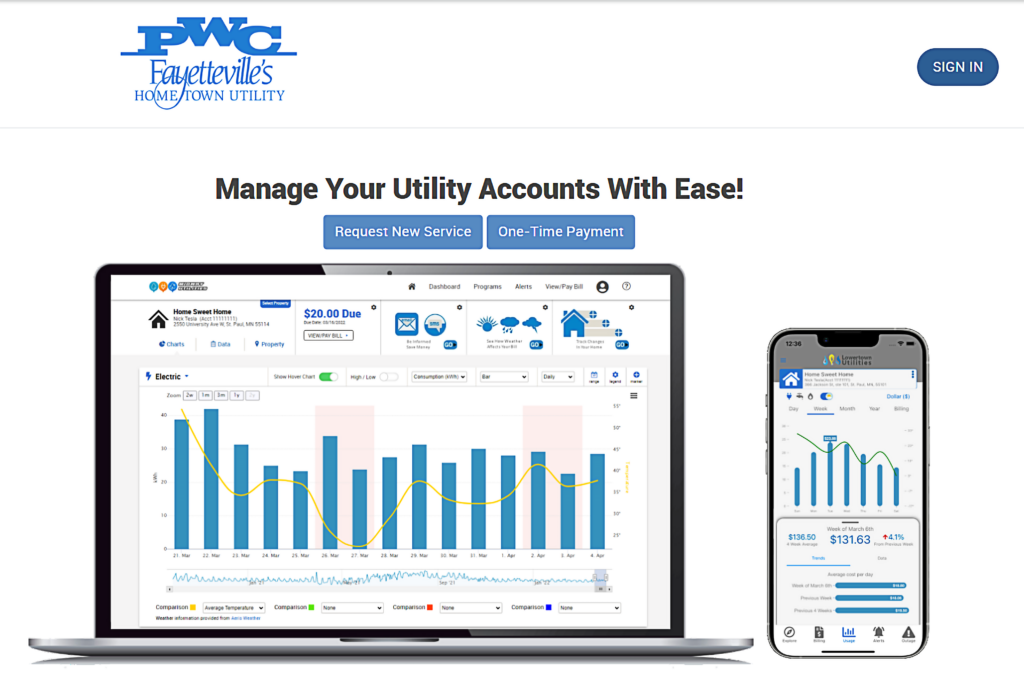
PWC’s Online Account Manager gives customers greater access, flexibility, and control over their utility accounts through a modern, easy-to-use online platform. Whether you want to pay your bill, monitor utility usage, request a payment extension, or manage account information, the new portal makes it simple to do it all in one convenient location.
New Users: Create an Account
- Visit the Online Account Manager login page.
- Click SIGN IN.
- When the window appears, click Register.
- Follow the on-screen instructions and verify your account information.
- Confirm your login credentials.
- Go back to the Online Account Manager login page and sign into your account.
Existing Users: Reset Your Password
Customers who previously used the PWC Online Account Manager and whose accounts were migrated to the new platform will need to complete a one-time password reset before logging in for the first time.
Watch the short video or follow the steps provided below.
- Visit the Online Account Manager login page.
- Click SIGN IN.
- Click Forgot your Password?
- Enter the email address associated with your PWC account, then select Submit.
- Now go to your email inbox and check for a password reset message from MyMeter.
- Click the secure link provided in the email.
- Follow the prompt to Create a new password.
- Go back to the Visit the Online Account Manager login page and sign into your account.
Important: The password reset email is time-sensitive. If you do not see the email, check your spam or junk folder.
What Can You Do with Online Account Manager?
So glad you asked! The new platform includes powerful tools designed to help customers manage their utility services more efficiently:
Account Management
- View account information
- Make payments online
- Manage multiple accounts
- Sign up for text reminders
Usage Monitoring
- Track utility usage
- Download consumption data
- View usage trends over time
- Analyze how weather, activities, and equipment impact consumption
Self-Service Features
- Start service online
- Stop service online
- Upload required documents
- Request payment extensions online
- Access customer support resources anytime, day or night
All of these features are available through a single online portal and mobile app.
PWC Mobile App
Save time by making time to download the Fayetteville PWC Mobile App! You’ll be able to easily manage and view your accounts on-the-go at any time of day or night. The app puts all of the features from the Online Account Manager in the palm of your hand.
Payments made through our Online Account Manager will be processed by Bill2Pay.
- No convenience fees if using bank account and routing number to pay.
- If using debit/credit card, there is a tiered fee structure based on the total transaction amount (transaction cap will remain $10,000):
- Transaction Total: Convenience Fee
- $1.79 minimum fee per transaction
- 1.69% of transaction total per transaction
- Transaction Total: Convenience Fee
Please remember that we have a high call and visitor volume around the first of every month. Consider calling or visiting later in the day for less wait time and quicker service.